
Editable SVG
The SVG world map that’s actually editable.
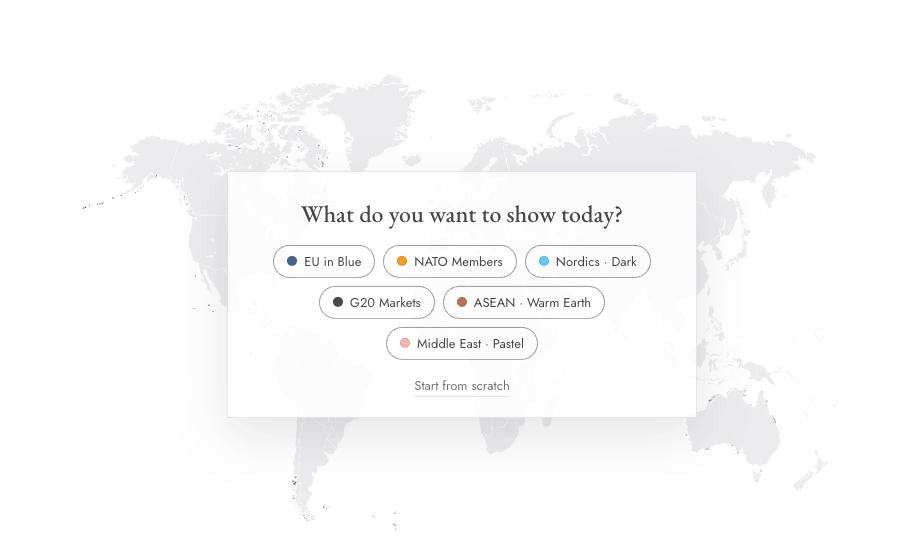
Every country is a separate, named vector layer. Color it in the Mappeus editor and export — or grab the raw SVG and edit by hand in Figma or Illustrator.
Color it in the editor →Free to start, no sign-up. Runs in your browser.
The problem
Most “editable” SVG maps aren’t.
You know the routine: download a free SVG, open it, and find one welded blob of paths, unnamed layers, or country borders that fall apart when you change a fill. “Editable” should mean every country is its own named layer.
This map has been that since 2015 — downloaded over 21,500 times on Shutterstock. Now it’s free, and better: the Mappeus editor colors it for you, so most edits never touch a design tool at all.
How it works
Two ways to use it.
Color it in the editor
Select countries, apply colors and a legend, and export an SVG that keeps every layer intact.
Get the raw SVG + PDF
Grab the free download from the homepage and edit it by hand — Figma, Illustrator, Sketch, Affinity.
Round-trip it
Start in the editor, export SVG, and fine-tune typography or effects in your design tool.
Use cases
What designers do with it.
- 01Infographics and editorial illustrations
- 02Brand-styled maps inside design systems
- 03Print pieces at any scale — it’s vector
- 04Interactive web maps built on clean per-country paths
Why Mappeus
Built for the map, not the software.
Faster than design tools
No layers to ungroup, no countries to hunt for. Select, color, export — minutes, not hours.
Looks intentional by default
Hand-crafted map geometry, curated themes and precise brand colors keep every export presentation-ready.
The right file, automatically
Pick where the map is going — Mappeus prepares the correct format, size and resolution for that destination.
Everything stays editable
SVG exports keep every country as a separate named layer for Figma, Illustrator, Sketch or Affinity.
FAQ
Good questions.
Is every country really a separate layer?
Yes — every country is its own named group of paths. Recolor France without touching Germany.
Which tools open it cleanly?
Figma, Adobe Illustrator, Sketch and Affinity Designer all open it with the layer structure intact.
Is the SVG free to use?
Yes — free for personal and commercial use. The raw download is available from the homepage; editor exports currently carry a small “Made with Mappeus” credit.
Editor export vs. raw download — which should I take?
If you want colored countries, use the editor — it’s faster and the export stays fully editable. Take the raw SVG when you want to start from a blank map.
Start now
Stop fighting broken SVGs.
Color the map in the editor and export a clean, layered SVG for Figma or Illustrator.
Free to start, no sign-up.